Zip and unzip without ads or bundleware. Even repairs garbled filenames in old archives automatically.
Unzipping shouldn't come with a popup ad.
“Finally a zip tool with zero ads.”
“Fixed the garbled names in a 2009 archive!”
“Tiny install and fast.”
“Extracts into a folder — no more desktop explosions.”
“Installed it on my mom's PC. She gets it.”
“tar.gz support included. Handy.”
“Progress bar for big archives is nice.”
“Deleted my old zip app the same day.”
All free · no ads · swipe to explore
Free screen recording with audio, pause and GIF export.

Press F2, drag, then mark up with pen, arrows and pixelate.

Auto-saved as you type, restored after every reboot.

Pen, shapes, fill and text with 20-step undo.
Smart encoding detection, dark mode, find & replace.

Click-to-note dates with adjustable transparency.

90+ shortcuts in a tiny transparent floating finder.

Halves, thirds and quarters — pixel-perfect, gap-free.
A tiny bar for Windows' hidden virtual desktops.

Batch compress hundreds of images — originals untouched.
Three presets — minimal quality loss, major size drop.
Photos, videos, audio, PDFs — the right method, automatically.
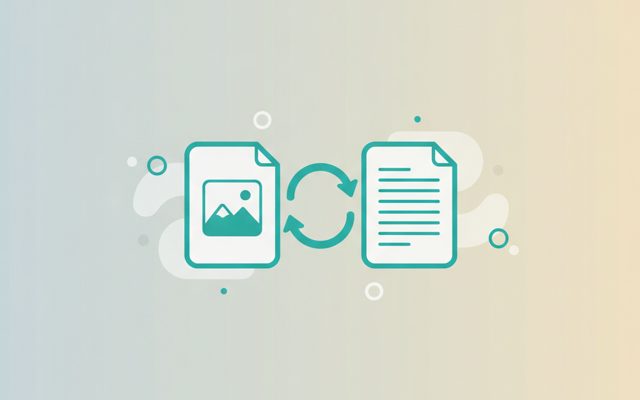
PDF↔images, video→MP3/GIF — all offline on your PC.

Lossless cuts, transitions, music, filters. No watermark.

Paste a URL — full-page and split scrolling screenshots.
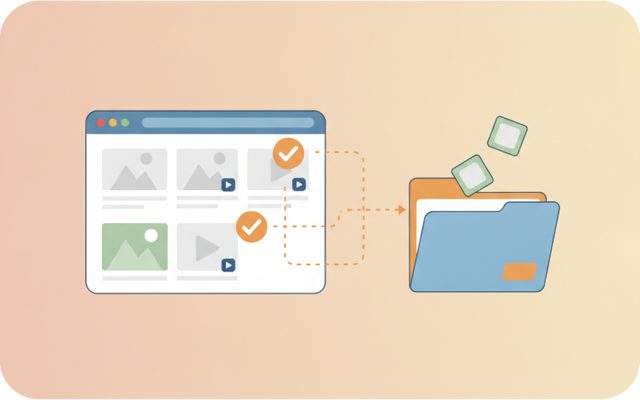
Analyze a page, preview, and bulk-save only what you tick.
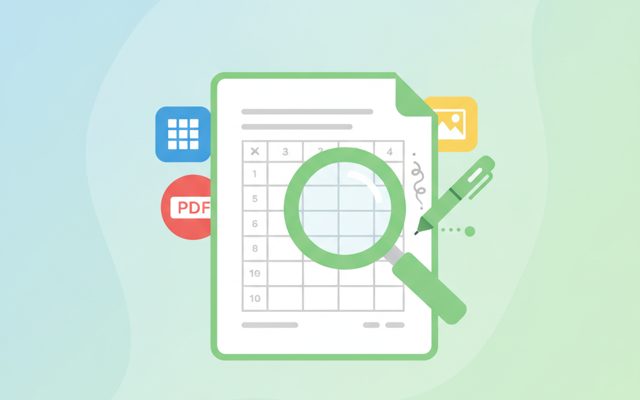
Open anything, then add notes, shapes and stickers.
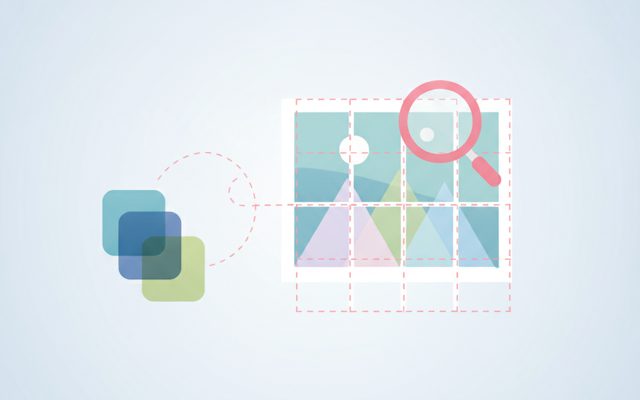
Free stock search, flexible splitting, EXIF/GPS removal.
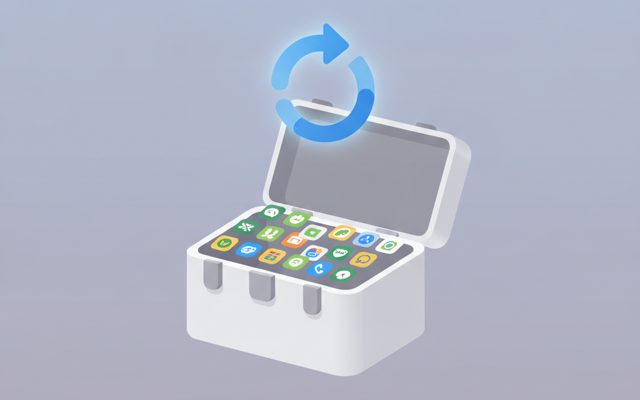
Install, launch and auto-update the whole suite.
Everything an archiver needs.
Pick files and folders, hit one button. Modern UTF-8 names open cleanly everywhere.
ZIP, TAR, GZ, TGZ, BZ2, XZ — neatly into a same-named folder.
Legacy archives with garbled international filenames get restored automatically.
Zipping takes 10 seconds.
Use [Add files] / [Add folder] to build your list.
Click [Create ZIP], choose where to save. Done.
Pick an archive — it unpacks into its own folder beside it.
Yes — free forever, with no ads or bundled installs.
It creates ZIP and extracts ZIP, TAR, GZ, TGZ, BZ2, XZ.
No — everything lands in a new folder named after the archive.
Legacy archives made with old regional encodings are repaired automatically.
No. Everything happens on your PC.
Zipping is basic computing — homework submissions, photo bundles, backups. Yet popular free archivers greet you with ads or sneak extra programs into the installer. TocTok Zip is genuinely free: no ads, no bundles, and it even fixes the classic garbled-filename problem in archives created by old regional software.
To compress: add files or folders, click Create ZIP, pick a location. Folders keep their structure. To extract: choose the archive and it unpacks into a same-named folder next to it — with a progress bar, and the folder opens when done.
Be careful with archives from unknown senders, especially ones containing .exe files — scan before opening. Password-protected archives holding executables are a common phishing trick. Large archives need free disk space of roughly twice their size.
Photos and videos barely shrink (they're already compressed) — zip them to bundle, not to save space. Documents compress dramatically. Name backups by date_topic.zip and future-you will say thanks.