⭐⭐⭐⭐⭐ 90+ shortcuts · Instant search · Windows

TocTok Hotkeys

Free Shortcut Finder · Free forever!

A shortcut dictionary that floats small and transparent in the corner — type "paste", "sum" or "snip" and get the hotkey instantly.

⬇ Free Download Now Windows only
90+ hotkeysWindows·Excel·Chrome…
Instant searchFilters as you type
Ghost modeTransparent & compact

Popular ways to use it

Stop memorizing shortcuts. Keep them next to you.

★★★★★

“No more googling Excel shortcuts mid-work.”

★★★★★

“Transparent mode stays out of my way.”

★★★★★

“Typed 'sum' — got Alt+=. Sold.”

★★★★★

“Double-click copies the hotkey. Nice touch.”

★★★★★

“Compact mode fits under my second monitor.”

★★★★★

“Installed it for our whole intern class.”

★★★★★

“Win+V and Win+Shift+S changed my life.”

★★★★★

“Free with zero ads. Rare these days.”

More free TocTok tools

All free · no ads · swipe to explore

TocTok Recorder
TocTok Recorder

Record your screen, no watermark

Free screen recording with audio, pause and GIF export.

TocTok Capture
TocTok Capture

Screenshot & annotate in one

Press F2, drag, then mark up with pen, arrows and pixelate.

TocTok Memo
TocTok Memo

Sticky notes on your desktop

Auto-saved as you type, restored after every reboot.

TocTok Zip
TocTok Zip

Zip & unzip without ads

Create and extract archives, repairs garbled filenames.

TocTok Paint
TocTok Paint

Simple, light paint app

Pen, shapes, fill and text with 20-step undo.

TocTok Notepad
TocTok Notepad

Text that never breaks

Smart encoding detection, dark mode, find & replace.

TocTok Calendar
TocTok Calendar

A calendar that lives on your desktop

Click-to-note dates with adjustable transparency.

TocTok Splitter
TocTok Splitter

Snap windows with one click

Halves, thirds and quarters — pixel-perfect, gap-free.

TocTok Virtual Desktop

Switch workspaces by click

A tiny bar for Windows' hidden virtual desktops.

TocTok Image Compressor

Shrink photos in bulk

Batch compress hundreds of images — originals untouched.

TocTok Video Compressor

Compress video in one click

Three presets — minimal quality loss, major size drop.

TocTok File Compressor

Drop any file, it shrinks

Photos, videos, audio, PDFs — the right method, automatically.

TocTok File Converter

Convert to any format

PDF↔images, video→MP3/GIF — all offline on your PC.

TocTok Video Editor
TocTok Video Editor

Cut, join, caption — done

Lossless cuts, transitions, music, filters. No watermark.

TocTok Page Capture
TocTok Page Capture

Whole webpages in one shot

Paste a URL — full-page and split scrolling screenshots.
TocTok Page Saver
TocTok Page Saver

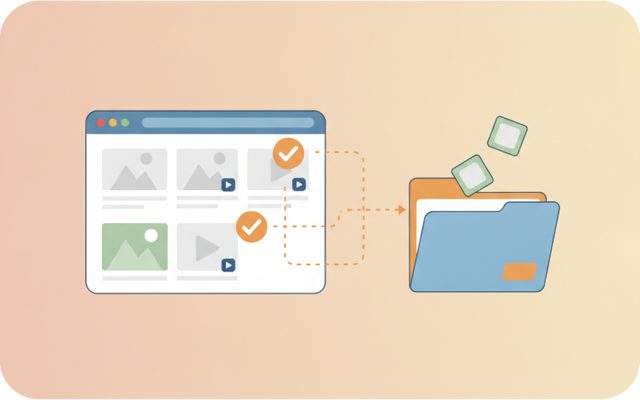
Pick & save page media

Analyze a page, preview, and bulk-save only what you tick.
TocTok Viewer
TocTok Viewer

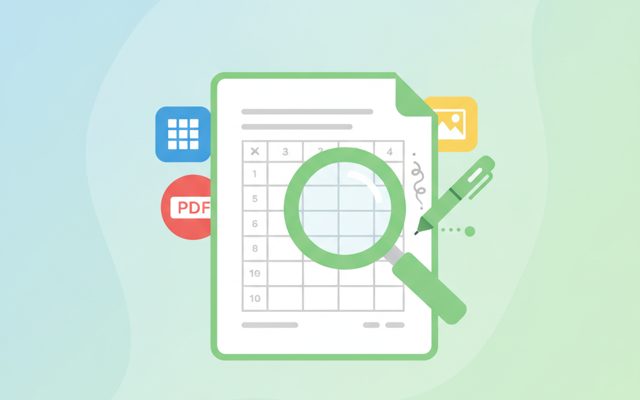
Excel, PDF, Word — one viewer

Open anything, then add notes, shapes and stickers.

TocTok Image Studio
TocTok Image Studio

Find, split, clean

Free stock search, flexible splitting, EXIF/GPS removal.

TocTok All-in-One
TocTok All-in-One

Every tool, one screen

Install, launch and auto-update the whole suite.

TocTok Hotkeys Key Features

Everything a shortcut cheat-sheet needs.

🔎

Instant search

Type what you want to do — 'paste', 'snip', 'sum'. Category buttons per app.

👻

Small & transparent

4 opacity levels + compact mode. Always beside you, never in the way.

📚

90+ curated hotkeys

Windows, Explorer, Chrome, Excel, Word, PowerPoint, VSCode, Zoom. Double-click to copy.

⬇ Free Download Windows only

TocTok Hotkeys How to Use

Nothing to memorize — just keep it around.

1

Float it

Launch, drag to a corner, press ◐ for transparency.

2

Search

Type the action you want in plain words — results appear instantly.

3

Use it

Read the hotkey and go. Double-click copies it.

⬇ Get it free now Windows only

FAQ

Is TocTok Hotkeys really free?

Yes — free forever.

Which apps are covered?

Windows, File Explorer, Chrome/Edge, Excel, Word, PowerPoint, VSCode, Zoom and more — 90+ shortcuts.

Will it distract me while working?

Use ◐ transparency and ▁ compact mode to keep it tiny and subtle.

Can I search in plain English?

Yes — search by what you want to do, like 'paste' or 'screenshot'.

Does it collect any data?

No. It doesn't even need the internet.

⬇ Free Shortcut Finder Download Windows only

Don't memorize shortcuts — search them

Keyboard shortcuts multiply your speed, but nobody remembers them all. TocTok Hotkeys is a tiny dictionary that floats on your screen: when you wonder "what was the shortcut for…", you type two words and get the answer — without opening a browser.

How to use it

Launch it, drag it to a corner, and lower the opacity with ◐ so it never distracts. Type an action ("paste", "snip", "sum") to filter instantly, or browse by app with the category buttons. Double-click any row to copy the hotkey. Press ▁ for compact mode.

What's inside

90+ hand-picked shortcuts across Windows essentials (virtual desktops, snipping, clipboard history), File Explorer, Chrome, Excel (AutoSum, today's date, filters, absolute references), Word, PowerPoint, VSCode and Zoom — searchable in English and Korean.

Pro tips

Start by searching, and the frequent ones stick naturally. If you learn just three: F4 (repeat last action in Excel), Win+V (clipboard history) and Win+Shift+S (snip) — your day gets noticeably faster.