Windows hides a superpower: virtual desktops. This tiny bar puts it on buttons — work, personal and meeting screens, one click apart.
One monitor, many desktops — unlock what Windows already has.
“First time using virtual desktops. Mind blown.”
“Separate work & personal screens = faster logoff.”
“I can never remember hotkeys. This fixes it.”
“Clean desktop before screen sharing. Lifesaver.”
“So small and transparent I forget it's there.”
“Game screen on desktop 2 = fewer temptations.”
“Mouse-only desktop switching is so comfy.”
“Free, no ads, no tracking. Respect.”
All free · no ads · swipe to explore
Free screen recording with audio, pause and GIF export.
Press F2, drag, then mark up with pen, arrows and pixelate.
Auto-saved as you type, restored after every reboot.

Create and extract archives, repairs garbled filenames.

Pen, shapes, fill and text with 20-step undo.
Smart encoding detection, dark mode, find & replace.
Click-to-note dates with adjustable transparency.

90+ shortcuts in a tiny transparent floating finder.

Halves, thirds and quarters — pixel-perfect, gap-free.
Batch compress hundreds of images — originals untouched.
Three presets — minimal quality loss, major size drop.
Photos, videos, audio, PDFs — the right method, automatically.
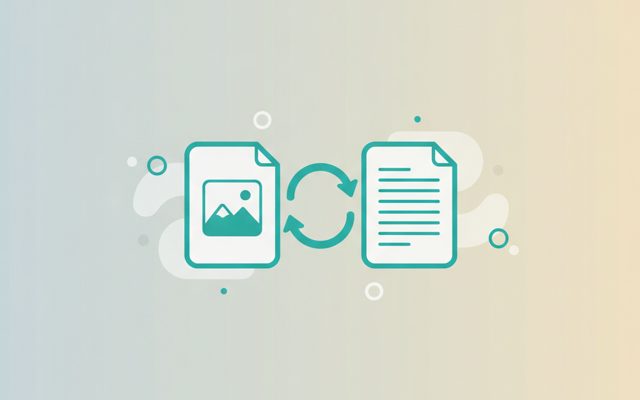
PDF↔images, video→MP3/GIF — all offline on your PC.

Lossless cuts, transitions, music, filters. No watermark.

Paste a URL — full-page and split scrolling screenshots.
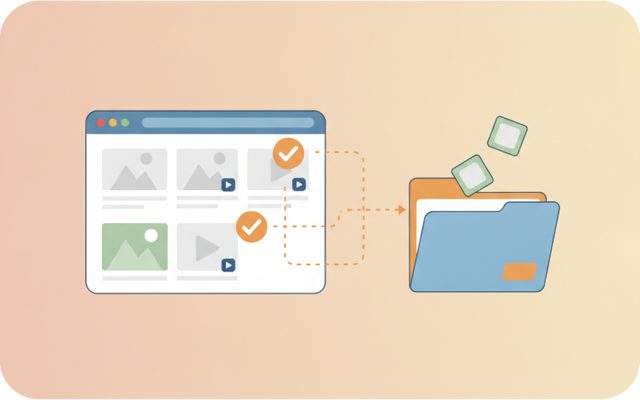
Analyze a page, preview, and bulk-save only what you tick.
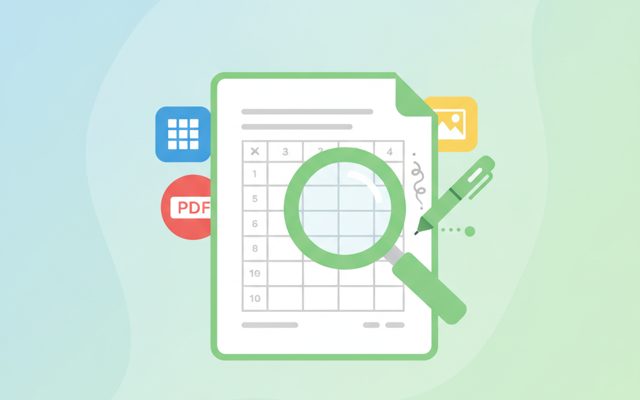
Open anything, then add notes, shapes and stickers.
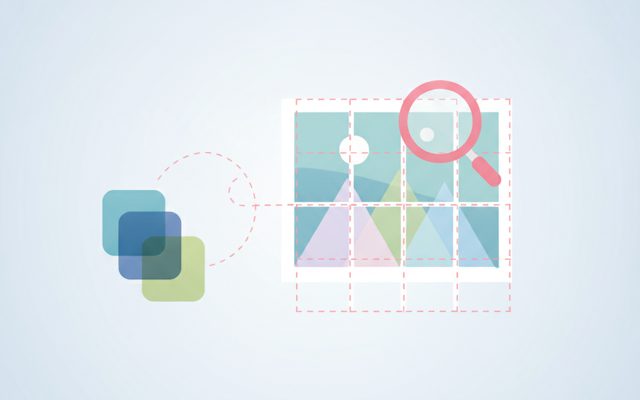
Free stock search, flexible splitting, EXIF/GPS removal.
Install, launch and auto-update the whole suite.
Everything a desktop switcher needs.
One button for a fresh, clean desktop. Split work, personal and meetings.
Hop between desktops by click. ☰ overview, ✕ close current.
Tiny translucent bar, always on top, drag anywhere, hover for hints.
The feature was always there — we just added buttons.
Press + for a fresh new desktop.
Click arrows to move between workspaces.
See every desktop and window at a glance.
Yes — free forever.
A built-in Windows feature that gives you multiple independent screens on one monitor — e.g. desktop 1 for work apps, desktop 2 for YouTube and chat.
Windows requires hotkeys like Win+Ctrl+D. This bar gives you buttons — create, switch, overview, close — driving the native OS feature, so it's completely stable.
No. Virtual desktops are native to Windows, and the bar itself is featherweight.
No. It doesn't even use the internet.
Virtual desktops give you several independent screens on one monitor: desktop 1 holds your work windows, desktop 2 your YouTube and chat, desktop 3 a side project. Switching hides everything else — cleaner screen, better focus. The surprise: Windows 10/11 already has this built in, but it's locked behind hotkeys (Win+Ctrl+D, Win+Ctrl+arrows) most people never learn.
Launch the bar. + creates a desktop, ◀ ▶ switch, ☰ opens the bird's-eye overview, ✕ closes the current desktop (its windows safely move to the next one). Drag the bar anywhere, press ◐ for transparency, hover any button for a hint.
Closing a desktop never closes your windows. Keep it simple with 2–3 purpose-named workspaces so you always know where things are. It drives the native OS feature — no hooks, no hacks.
The killer setup is work/leisure separation: park all distractions on desktop 2 and they literally disappear while you work. Before screen-sharing, hit + for a guaranteed-clean desktop. Combine with a window splitter for total window control.