Paste a URL and get the page from top to bottom in one image. Long pages can be split into multiple shots automatically.
Receipts, research, references — page capture sorted.
“Pages that scroll forever come out as one image.”
“Split capture went straight into my blog post.”
“Paste URL, press button. That's the whole manual.”
“Mobile width shows exactly what phones see.”
“I archive order confirmations with it.”
“Essential for competitor research.”
“It waits for lazy-loading images. Smart.”
“Free and no watermark.”
All free · no ads · swipe to explore
Free screen recording with audio, pause and GIF export.
Press F2, drag, then mark up with pen, arrows and pixelate.

Auto-saved as you type, restored after every reboot.
Create and extract archives, repairs garbled filenames.

Pen, shapes, fill and text with 20-step undo.
Smart encoding detection, dark mode, find & replace.

Click-to-note dates with adjustable transparency.

90+ shortcuts in a tiny transparent floating finder.

Halves, thirds and quarters — pixel-perfect, gap-free.
A tiny bar for Windows' hidden virtual desktops.
Batch compress hundreds of images — originals untouched.
Three presets — minimal quality loss, major size drop.
Photos, videos, audio, PDFs — the right method, automatically.
PDF↔images, video→MP3/GIF — all offline on your PC.
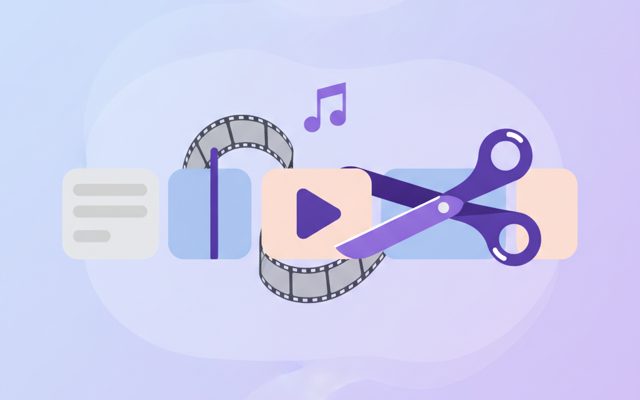
Lossless cuts, transitions, music, filters. No watermark.
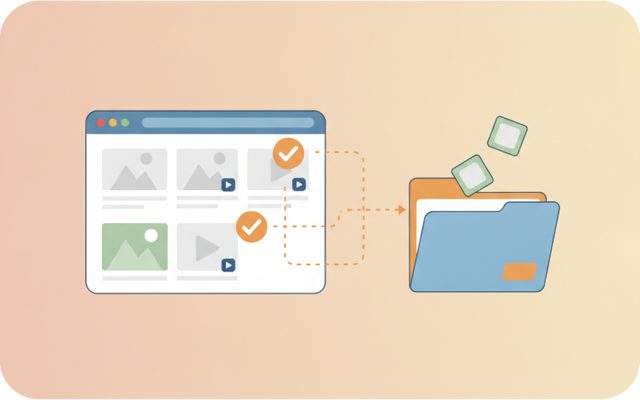
Analyze a page, preview, and bulk-save only what you tick.
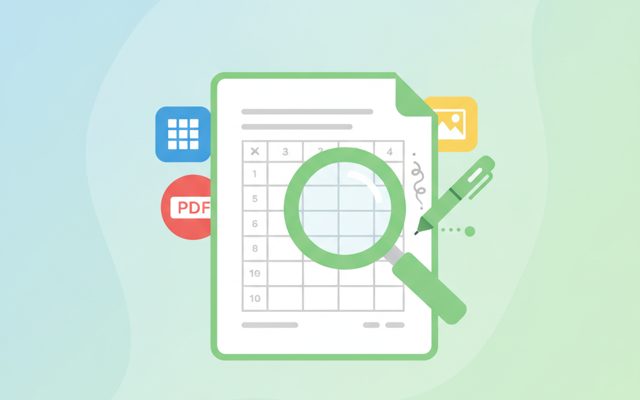
Open anything, then add notes, shapes and stickers.
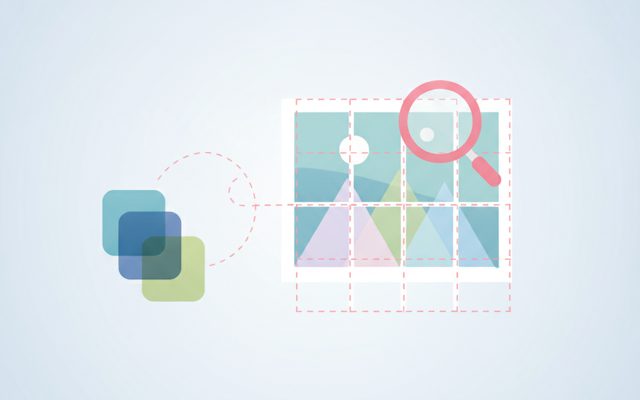
Free stock search, flexible splitting, EXIF/GPS removal.
Install, launch and auto-update the whole suite.
Everything a page capture tool needs.
Even endless-scroll pages become a single top-to-bottom image.
Slice long pages every 1000/2000/3000px — perfect for blogs and docs.
Desktop (1280/1440/1920) or mobile (390) width, PNG/JPG, load-wait setting.
Paste an address, press one button.
Drop the page address into the input box.
[Full capture] or [Split capture] — width and format in options.
The image saves and the folder opens.
Yes — free forever, no limits.
It quietly opens your PC's Edge browser without showing a window, loads the page and shoots it whole. Ultra-long pages (16,000px+) are captured in sections and stitched automatically.
Blogs read better with several medium images than one giant one. Slices save as _1, _2…
It doesn't share your login sessions, so public pages only.
None. Everything happens locally on your PC.
A normal screenshot grabs only what's on screen — but most webpages keep going far below the fold. Full-page (scrolling) capture saves the entire page, top to bottom, as one tall image. Essential for archiving orders and receipts, competitor research, and reference keeping.
Paste a URL and press Full Capture. The app drives your PC's Edge browser headlessly, waits for lazy-loading images (0/2/5s), and shoots. Split Capture saves the same result sliced at your chosen height; Viewport captures just the first screen. Set width to 390 to see exactly what phones see.
First run may take a few seconds to prepare the browser driver. Login-only pages and some bot-protected sites may not capture. If a capture contains someone else's content, keep it for personal use.
Split at 2000px is the sweet spot for blogs. Use PNG for archiving, JPG for smaller files. Shrink big captures with TocTok Image Compressor — or grab a page's original photos and videos with TocTok Page Saver.