Record your PC screen with audio, without watermarks. Install and start recording in seconds — free forever.
Lectures, games, meetings, YouTube — record them all.
“Perfect for recording Zoom lectures. Audio is crisp.”
“No watermark means straight to YouTube.”
“Worked the minute I installed it.”
“Pause and resume is brilliant for tutorials.”
“Records games smoothly. Lightweight.”
“Easiest recorder I've used.”
“System audio + mic at once — exactly what I needed.”
“GIF export is great for blog posts.”
All free · no ads · swipe to explore
Press F2, drag, then mark up with pen, arrows and pixelate.
Auto-saved as you type, restored after every reboot.
Create and extract archives, repairs garbled filenames.
Pen, shapes, fill and text with 20-step undo.
Smart encoding detection, dark mode, find & replace.
Click-to-note dates with adjustable transparency.
90+ shortcuts in a tiny transparent floating finder.
Halves, thirds and quarters — pixel-perfect, gap-free.
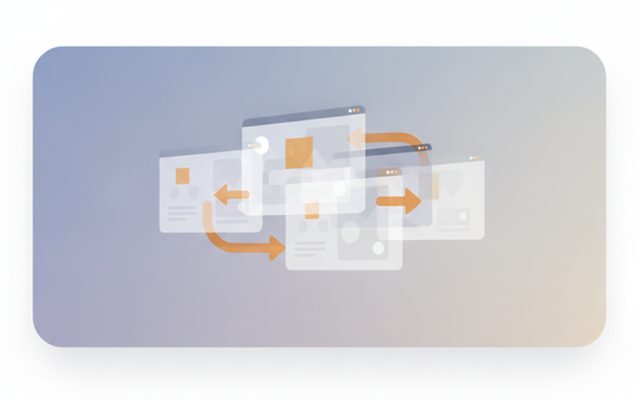
A tiny bar for Windows' hidden virtual desktops.
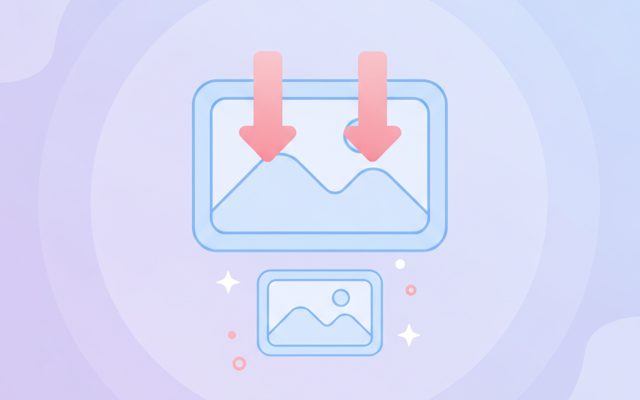
Batch compress hundreds of images — originals untouched.
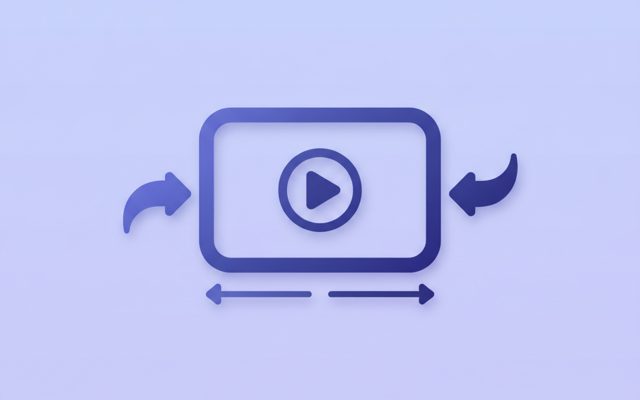
Three presets — minimal quality loss, major size drop.
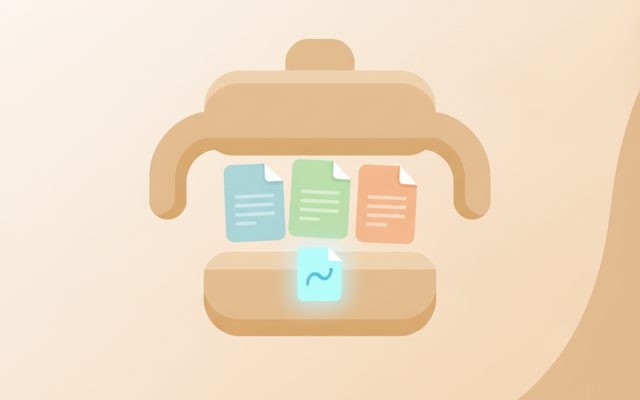
Photos, videos, audio, PDFs — the right method, automatically.
PDF↔images, video→MP3/GIF — all offline on your PC.
Lossless cuts, transitions, music, filters. No watermark.
Paste a URL — full-page and split scrolling screenshots.
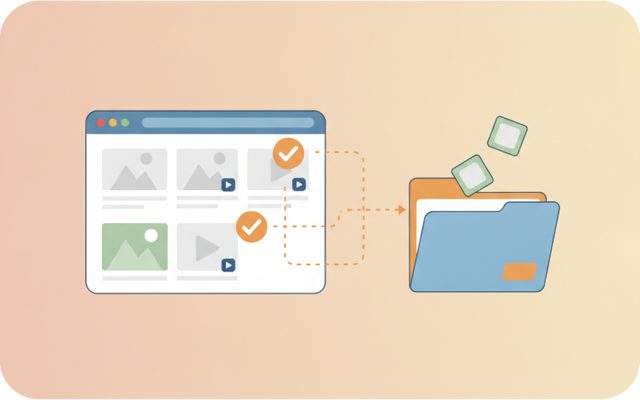
Analyze a page, preview, and bulk-save only what you tick.
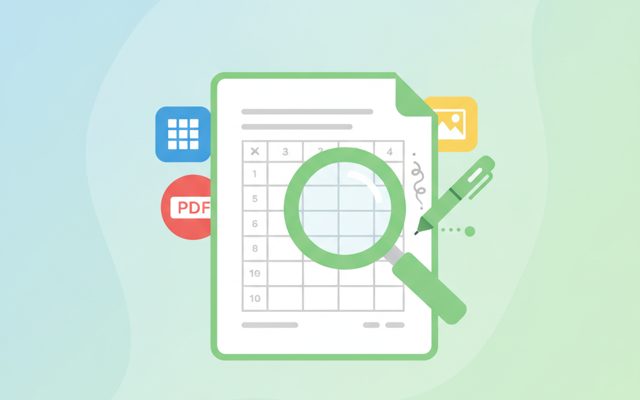
Open anything, then add notes, shapes and stickers.
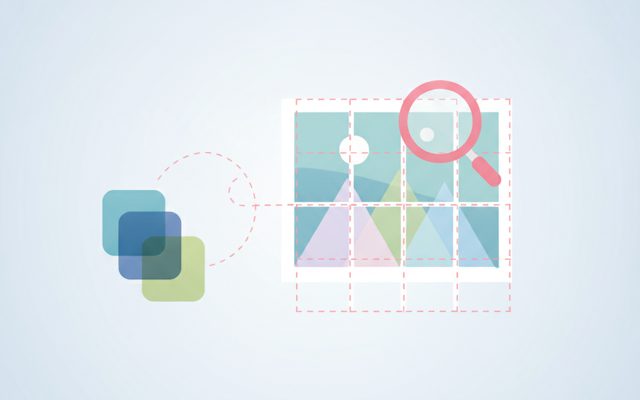
Free stock search, flexible splitting, EXIF/GPS removal.
Install, launch and auto-update the whole suite.
Everything a screen recorder needs.
Record the whole screen, a dragged region, or a single window.
System sound and microphone recorded together — great for lectures and meetings.
Pause/resume, GIF export, and on-screen drawing (pen & highlighter) while recording.
Your first recording takes 30 seconds.
Drag the green frame or choose full screen.
Hit the red button (or F9) — 3-second countdown, then it rolls.
Stop and your MP4 is saved automatically. GIF export too.
Yes — free forever. No payments, no time limits, no watermark.
No. No sign-up, and recordings stay on your PC only.
Full screen, a region, a specific window — or audio only (MP3). System sound + mic simultaneously.
No. Record as long as you want.
As MP4 (or GIF) in your Videos folder — changeable in settings.
A screen recorder saves everything on your monitor as a video file — for lecture replays, game highlights, tutorials, bug reports and YouTube content. Many "free" recorders are actually trials: they cap recording at 5–10 minutes, stamp a big watermark, or ask for payment at save time. TocTok Recorder has none of that: no time limit, no watermark, no sign-up, and zero data collection.
Choose full screen, a dragged region, or a single window. Pick your audio (system sound, mic, or both), then hit record (F9). Pause with F8, grab a screenshot with F10, and stop to auto-save an MP4. Turn on the drawing tools to annotate live while recording.
Respect copyright when recording paid courses or streaming content — keep personal copies personal. Recording 1080p for an hour can take several GB, so check disk space. The "Unknown publisher" warning on first run is normal for free unsigned apps: "More info → Run anyway".
Use 15–24 FPS for documents and lectures (smaller files), 60 FPS for games. Use pause instead of stop while grabbing materials — you'll edit less later. Do a 10-second test recording first to confirm audio. For quick annotated screenshots, try TocTok Capture, its sister tool.