More free TocTok tools
All free · no ads · swipe to explore
Record your screen, no watermark
Free screen recording with audio, pause and GIF export.

Screenshot & annotate in one
Press F2, drag, then mark up with pen, arrows and pixelate.

Sticky notes on your desktop
Auto-saved as you type, restored after every reboot.

Zip & unzip without ads
Create and extract archives, repairs garbled filenames.

Simple, light paint app
Pen, shapes, fill and text with 20-step undo.

Text that never breaks
Smart encoding detection, dark mode, find & replace.

A calendar that lives on your desktop
Click-to-note dates with adjustable transparency.

Don't memorize hotkeys — search them
90+ shortcuts in a tiny transparent floating finder.

Snap windows with one click
Halves, thirds and quarters — pixel-perfect, gap-free.

Switch workspaces by click
A tiny bar for Windows' hidden virtual desktops.

Shrink photos in bulk
Batch compress hundreds of images — originals untouched.
Compress video in one click
Three presets — minimal quality loss, major size drop.
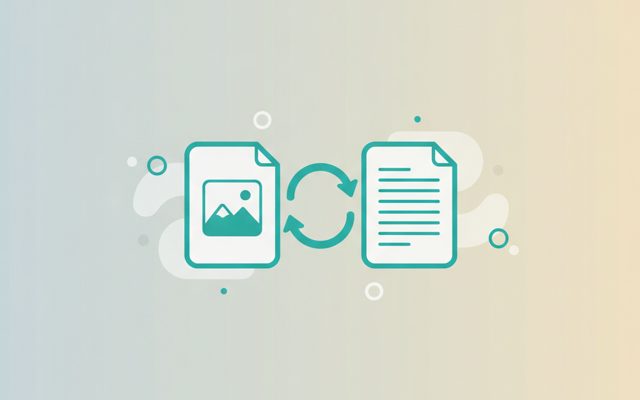
Convert to any format
PDF↔images, video→MP3/GIF — all offline on your PC.

Cut, join, caption — done
Lossless cuts, transitions, music, filters. No watermark.

Whole webpages in one shot
Paste a URL — full-page and split scrolling screenshots.
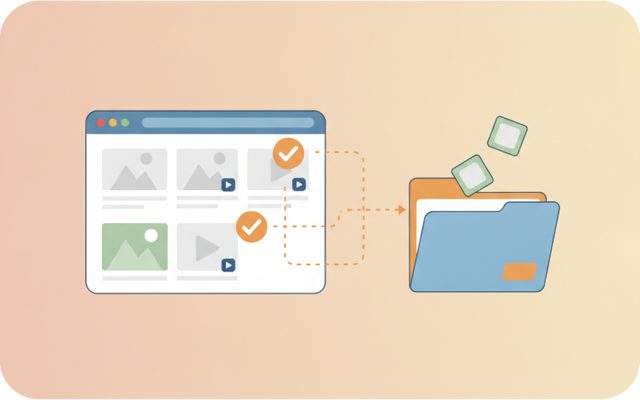
Pick & save page media
Analyze a page, preview, and bulk-save only what you tick.
Excel, PDF, Word — one viewer
Open anything, then add notes, shapes and stickers.
Find, split, clean
Free stock search, flexible splitting, EXIF/GPS removal.

Every tool, one screen
Install, launch and auto-update the whole suite.