⭐⭐⭐⭐⭐ One-click layouts · Gap-free snapping · Windows

TocTok Splitter

Free Window Splitter · Free forever!

Pick a window, click a button — it snaps pixel-perfect into halves, thirds or quarters. Turn one monitor into two.

⬇ Free Download Now Windows only
13 layoutsHalves·thirds·quarters
Pixel-perfectNo gaps between windows
Taskbar-awareNever covered

Popular ways to use it

Stop dragging windows around. Just press a button.

★★★★★

“Lecture left, notes right — perfectly even.”

★★★★★

“Thirds on my ultrawide is a game changer.”

★★★★★

“Pixel-aligned. My OCD is satisfied.”

★★★★★

“Comparing two Excel files side by side daily.”

★★★★★

“No gaps between windows. So clean.”

★★★★★

“Smart enough to avoid the taskbar.”

★★★★★

“My parents can use it — it's just buttons.”

★★★★★

“Most intuitive free splitter I've tried.”

More free TocTok tools

All free · no ads · swipe to explore
TocTok Recorder
TocTok Recorder

Record your screen, no watermark

Free screen recording with audio, pause and GIF export.

TocTok Capture
TocTok Capture

Screenshot & annotate in one

Press F2, drag, then mark up with pen, arrows and pixelate.

TocTok Memo
TocTok Memo

Sticky notes on your desktop

Auto-saved as you type, restored after every reboot.

TocTok Zip
TocTok Zip

Zip & unzip without ads

Create and extract archives, repairs garbled filenames.

TocTok Paint
TocTok Paint

Simple, light paint app

Pen, shapes, fill and text with 20-step undo.
TocTok Notepad
TocTok Notepad

Text that never breaks

Smart encoding detection, dark mode, find & replace.

TocTok Calendar
TocTok Calendar

A calendar that lives on your desktop

Click-to-note dates with adjustable transparency.

TocTok Hotkeys
TocTok Hotkeys

Don't memorize hotkeys — search them

90+ shortcuts in a tiny transparent floating finder.

TocTok Virtual Desktop

Switch workspaces by click

A tiny bar for Windows' hidden virtual desktops.

TocTok Image Compressor

Shrink photos in bulk

Batch compress hundreds of images — originals untouched.
TocTok Video Compressor

Compress video in one click

Three presets — minimal quality loss, major size drop.

TocTok File Compressor

Drop any file, it shrinks

Photos, videos, audio, PDFs — the right method, automatically.
TocTok File Converter

Convert to any format

PDF↔images, video→MP3/GIF — all offline on your PC.

TocTok Video Editor
TocTok Video Editor

Cut, join, caption — done

Lossless cuts, transitions, music, filters. No watermark.

TocTok Page Capture
TocTok Page Capture

Whole webpages in one shot

Paste a URL — full-page and split scrolling screenshots.
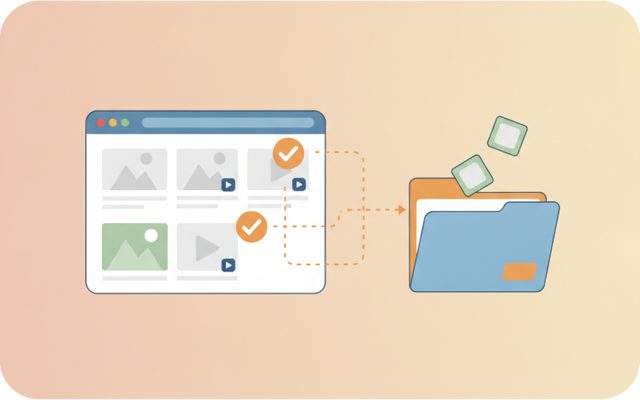
TocTok Page Saver
TocTok Page Saver

Pick & save page media

Analyze a page, preview, and bulk-save only what you tick.
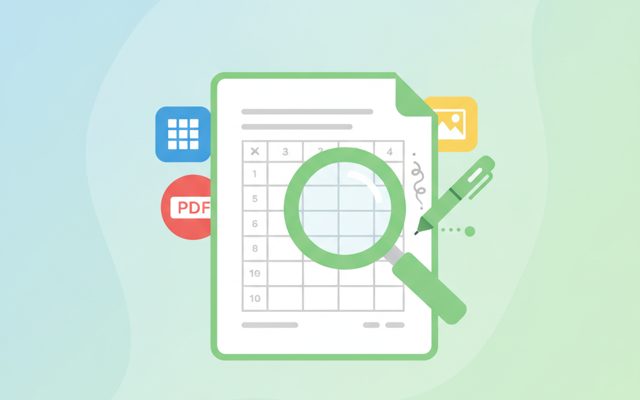
TocTok Viewer
TocTok Viewer

Excel, PDF, Word — one viewer

Open anything, then add notes, shapes and stickers.
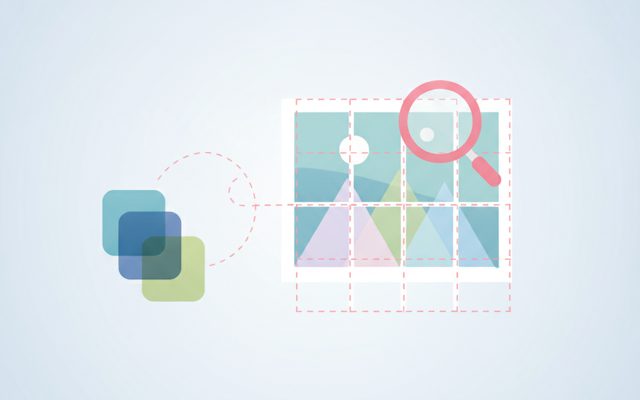
TocTok Image Studio
TocTok Image Studio

Find, split, clean

Free stock search, flexible splitting, EXIF/GPS removal.

TocTok All-in-One
TocTok All-in-One

Every tool, one screen

Install, launch and auto-update the whole suite.

TocTok Splitter Key Features

Everything a window manager needs.

13 layout buttons

Left/right/top/bottom halves, thirds, 2/3, corner quarters, maximize, centered.

📐

Pixel-perfect snapping

Compensates Windows' invisible borders — windows meet with zero gaps.

🖥️

Taskbar-aware

Uses the real work area, so nothing hides behind the taskbar.

⬇ Free Download Windows only

TocTok Splitter How to Use

Don't drag. Click.

1

Pick a window

Choose it from the dropdown (↻ to refresh).

2

Click a layout

◧ ◨ ⅓ ◰ … pick where it should go.

3

Done

The window moves and resizes exactly there.

⬇ Get it free now Windows only

FAQ

Is TocTok Splitter really free?

Yes — free forever.

How is it different from Windows Snap?

Windows Snap only does halves/quarters by dragging. TocTok adds thirds, 2/3 and centered layouts, applied to any window you pick from a list — no dragging.

Will there be gaps between windows?

No. It compensates for Windows' invisible borders for gap-free alignment.

Does it work with every window?

Regular app windows, yes. Some admin-elevated windows and fullscreen games are restricted by Windows.

Does it collect any data?

No. Everything happens locally.

⬇ Free Window Splitter Download Windows only

What is a window splitter?

A window splitter arranges your windows into clean zones — lecture video on the left, notes on the right; spreadsheet A next to spreadsheet B. It eliminates Alt-Tabbing and effectively turns one monitor into two. Windows' built-in snap only offers halves and quarters, and you have to drag each window yourself.

How to use it

Pick a window from the dropdown (hit ↻ after opening new apps), then click a layout: halves (◧◨⬒⬓), thirds (⅓/⅔), corner quarters (◰◳◱◲), maximize (⛶) or centered-large (▣). The app respects your taskbar and compensates for invisible window borders, so windows align gap-free.

Good to know

Admin-elevated windows can refuse to be moved (a Windows security rule), and fullscreen games need windowed mode. If a window is missing from the list, un-minimize it and refresh.

Pro tips

On ultrawide monitors, three ⅓ columns (chat · browser · document) is life-changing. On regular monitors, ⅔ + ⅓ (main work + reference) is the most practical. Pair with virtual desktops for effectively unlimited workspace.